
Document Library Overview
Manage controlled documents — SOPs, work instructions, policies, forms, and protocols — through a structured approval and version control lifecycle.
The Document Library is the controlled document management system within Clarix. It provides a centralized repository for every quality system document in your 503B facility: standard operating procedures (SOPs), work instructions (WIs), policies (POL), form templates (FRM), and protocols (PRO). Each document is tracked through a defined lifecycle — from initial drafting through review, approval, and active use, to eventual supersession or retirement — ensuring that staff always have access to the current approved version of every procedure they need, and that the history of every document change is permanently preserved.
Navigate to Documents in the left sidebar to open the Document Library.
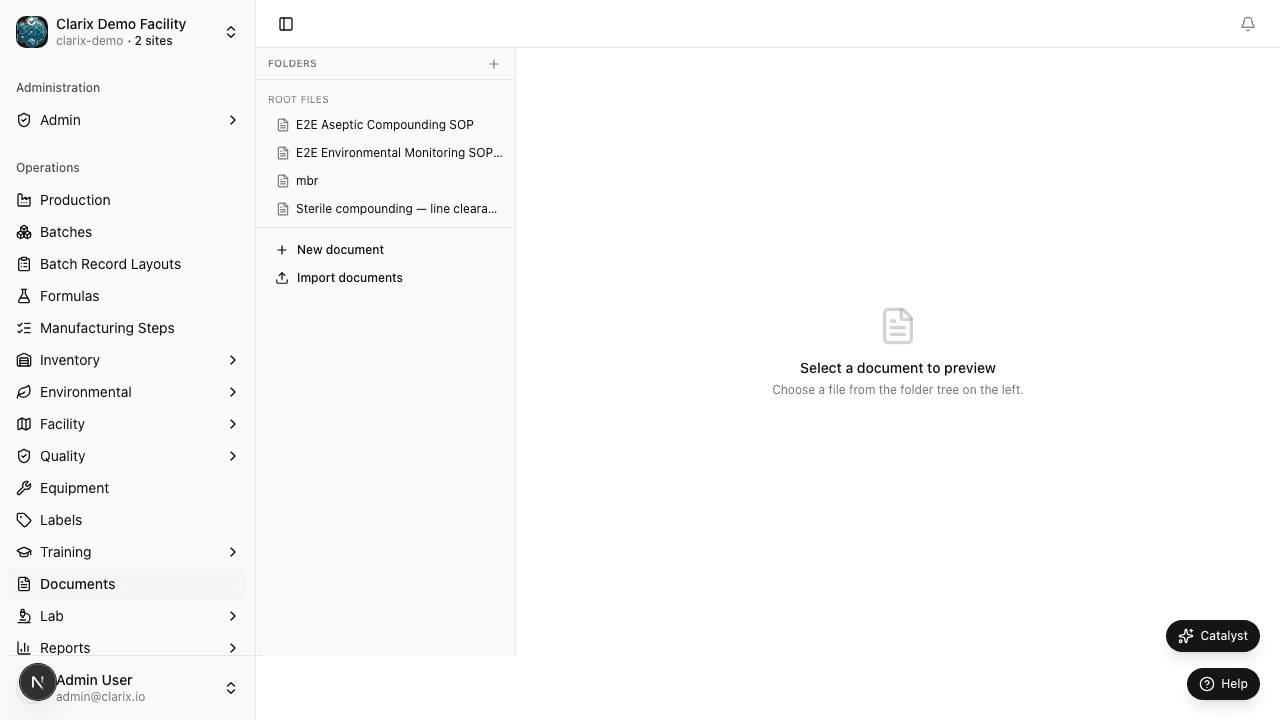
Controlled document types
Clarix supports the following document categories, each with a distinct prefix used in document numbering:
| Type | Prefix | Purpose |
|---|---|---|
| Standard Operating Procedure | SOP | Step-by-step instructions for performing a specific process or procedure |
| Work Instruction | WI | Detailed, task-level instructions, typically more granular than an SOP |
| Policy | POL | High-level statements of organizational intent, requirements, and rules |
| Form Template | FRM | Blank templates used to record data during operations or investigations |
| Protocol | PRO | Validation, qualification, or study protocols with defined objectives and acceptance criteria |
Document lifecycle
Every document in Clarix passes through the following states:
- Draft — The document is being authored. Only the document author and Admins can edit a Draft document. Draft documents are not visible to general staff and cannot be referenced in training records.
- Under Review — The document has been submitted for review. A Document Controller or reviewer has been assigned and is actively reviewing the content. Comments can be added within the system. No further editing is permitted without returning the document to Draft.
- Approved — The document has passed review and been approved by an authorized reviewer. An Approved document has a defined effective date.
- Effective — The document's effective date has been reached. It is now the active, current version. Effective documents are visible to all staff and can be linked to training plans. This is the only state from which a document can be used in day-to-day operations.
- Superseded — A new version of the document has been approved and has become Effective. The old version is automatically Superseded — it remains accessible in the history for reference but cannot be used operationally.
- Retired — The document has been formally withdrawn with no replacement (e.g., a procedure that is no longer performed). Retired documents are archived.
Why document control matters
21 CFR Part 211.68 and the broader cGMP framework require that all manufacturing and laboratory procedures be documented in written SOPs, that SOPs be followed consistently, and that they be reviewed and revised as necessary. USP 797 similarly requires written procedures for all compounding operations.
Uncontrolled documents — procedures circulated as email attachments, printed and filed with handwritten edits, or stored on shared drives without version tracking — are a serious compliance risk. FDA investigators frequently find deviations between what a facility does in practice and what their SOPs say they should do, partly because uncontrolled document systems allow multiple versions to coexist without clear indication of which is current.
Clarix's controlled document system ensures that only one version of each document is Effective at any time, that every staff member can access the current version, and that the complete revision history is preserved and auditable.
Document Controller review requirement
All documents in Clarix must pass through review by a Document Controller (or authorized reviewer with the Document Control role) before they can be approved. This requirement cannot be bypassed, even by Admins. The Document Controller is responsible for verifying:
- The document is correctly formatted and numbered per facility standards
- The content is accurate and consistent with current regulatory requirements
- Cross-references to other documents are current and correct
- Approval authority (the person who approves the document) is appropriate for the document type and risk level
Role required: All staff can view Effective documents. Creating documents requires the Document Author or Admin role. Reviewing and approving documents requires the Document Controller or Admin role.
Related pages
Stability Testing
Create and manage stability protocols for compounded sterile preparations under 21 CFR 211.166 and ICH Q1A(R2), with automated sample scheduling, ICH time points, and BUD support.
Controlled Documents
Create, version, and manage controlled documents through the full review and approval workflow, including supersession and document change requests.