
Notifications Overview
View and manage in-app notifications for batch events, quality alerts, environmental excursions, and system activity at /notifications.
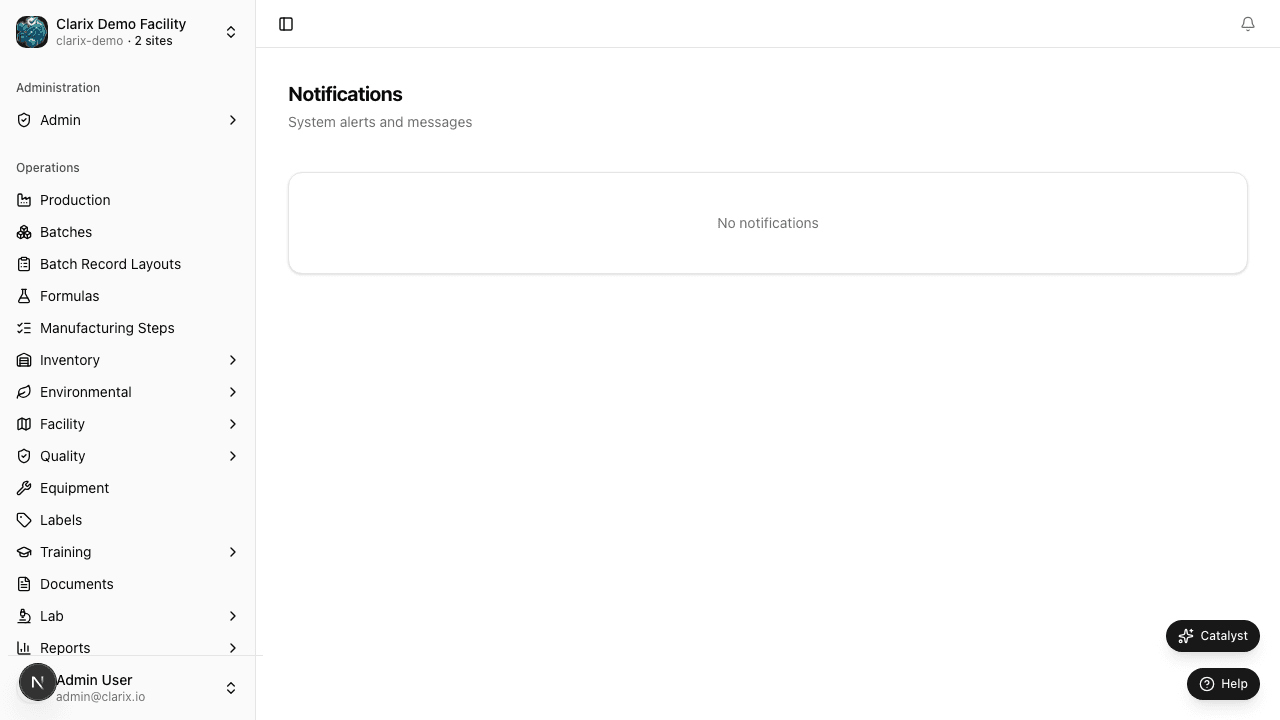
The Notification Center (/notifications) aggregates alerts across Clarix — batch status changes, QA review requests, environmental excursions, training due dates, and inventory thresholds. Use it to triage work without opening every module separately.
What generates notifications
Clarix sends in-app notifications when events require attention:
| Category | Examples |
|---|---|
| Production | Batch submitted for QA, PIC release pending, step deviation flagged |
| Quality | New deviation assigned, CAPA due date approaching, OOS result |
| Environmental | T/H out of range, EM excursion opened |
| Inventory | Low stock threshold, lot expiring within 30 days |
| Training | Assignment overdue, qualification expiring |
| Documents | Review date approaching, document pending approval |
Exact notification types depend on your organization's module configuration and business rules.
Using the Notification Center
- Click the bell icon in the app header, or go to
/notifications. - Scan unread items — newest appear first.
- Click a notification to jump to the related batch, deviation, excursion, or record.
- Mark items as read individually or use Mark all read to clear the unread badge.
Unread count appears on the bell icon. Notifications remain in the list after reading for audit reference until archived per retention settings.
Email and external alerts
In-app notifications are the primary channel inside Clarix. Email or Slack delivery (where configured) mirrors critical alerts — check Settings → Integrations for webhook and notification routing options.
Role requirements
| Action | Minimum role |
|---|---|
| View own notifications | Any authenticated user |
| Receive QA / PIC alerts | Respective role assignment |
| Configure integration webhooks | Admin |
Regulatory reference
21 CFR 211.192 — Production records must be reviewed promptly. Timely in-app notifications help QA and PIC staff identify batches pending review, deviations requiring investigation, and environmental events that may impact product quality.
Related pages
Inventory Intelligence
Analyse raw material consumption trends, cost patterns, and vendor performance to optimise procurement.
Administration Overview
Overview of the Clarix administration section — user management, multi-organization setup, access control, and admin settings for 503B facility administrators.