
Administration Overview
Overview of the Clarix administration section — user management, multi-organization setup, access control, and admin settings for 503B facility administrators.
The Administration section of Clarix is the control center for your facility's users, organizations, and system-wide configuration. Access the admin section by navigating to Admin in the sidebar — this link is only visible to users with the Administrator or Super Administrator role. If you do not see the Admin link, your account does not have administrative privileges; contact your facility administrator or PIC to request elevated access.
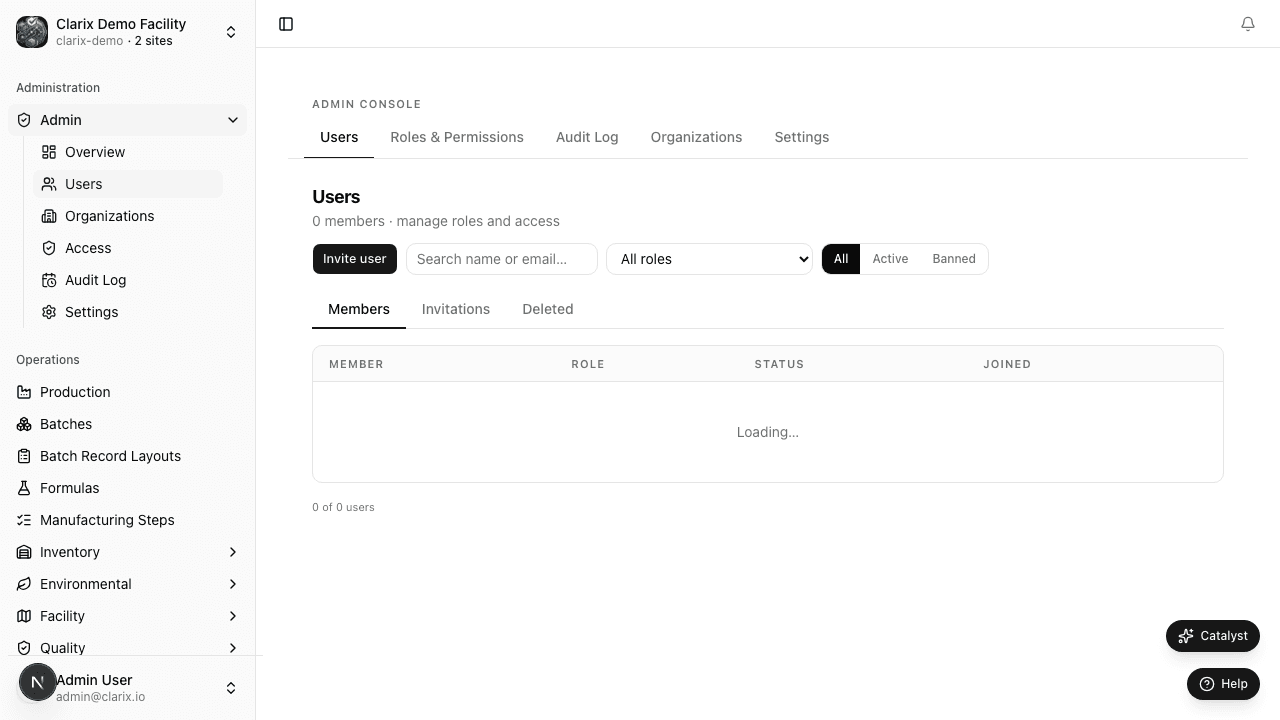
Role required: Administrator or Super Administrator. All pages under
/admin/*are restricted to these roles. Attempting to access admin URLs with insufficient permissions will redirect you to the dashboard.
What administrators can do
Clarix administrators are responsible for the operational integrity of the platform at your facility. The administration section gives you control over:
User management — Invite new users to your organization, assign and change roles, manage access for personnel who join or leave your facility, and ban accounts immediately when needed. See Managing Users for step-by-step guidance.
Organization management — If your facility operates multiple sites or legal entities, each can be configured as a separate organization in Clarix. Administrators can create new organizations, manage their settings, and control which users belong to which organizations. See Organizations for details.
Audit trail — The complete audit log for your organization is accessible from the admin section. Every create, update, delete, and signature action across all modules is recorded. The audit log is append-only and cannot be edited or deleted, meeting the requirements of 21 CFR Part 11 for electronic records. See Audit Trail for filtering and inspection guidance.
Access control — Administrators assign roles from the 15-role hierarchy to each user. Role assignments determine which modules users can access and which actions they can perform. The principle of least privilege applies: assign the minimum role needed for each person's job function.
System settings — Many organization-level settings require administrator access, including module enablement, numbering schemes, e-signature requirements, business rules, and integration configuration. These are documented in the Settings section.
The role of the administrator in a 503B facility
In a 503B compounding pharmacy operating under FDA oversight, the system administrator role carries significant responsibility. Configuration decisions made in the admin section directly affect:
- 21 CFR Part 11 compliance — E-signature settings must be configured correctly and consistently. Audit trail access must be maintained.
- Separation of duties — Role assignments must enforce that QA and production roles are held by different individuals. A single person cannot both execute a batch and release it.
- Access revocation — When personnel leave the facility, their accounts must be banned or deactivated immediately. Active accounts for former employees are a common FDA inspection finding.
Note: Clarix does not automatically deactivate accounts when a user's employment ends. Administrators must manually ban or delete departing users' accounts. Establish a procedure with your HR team to notify the Clarix administrator on a person's last day of employment.
Admin section pages
| Page | Path | Purpose |
|---|---|---|
| Managing Users | /admin/users | Invite, edit, ban, and delete user accounts |
| Organizations | /admin/organizations | Multi-site organization setup and user membership |
| Audit Trail | /audit-trail | View and filter the full system audit log |
| Access control | /admin/access | Custom roles, permission matrix, and group assignments |
| System events | /admin/events | Filterable audit log with action statistics |
| Admin settings | /admin/settings | Organization general settings, appearance, and authentication policy |
Access control
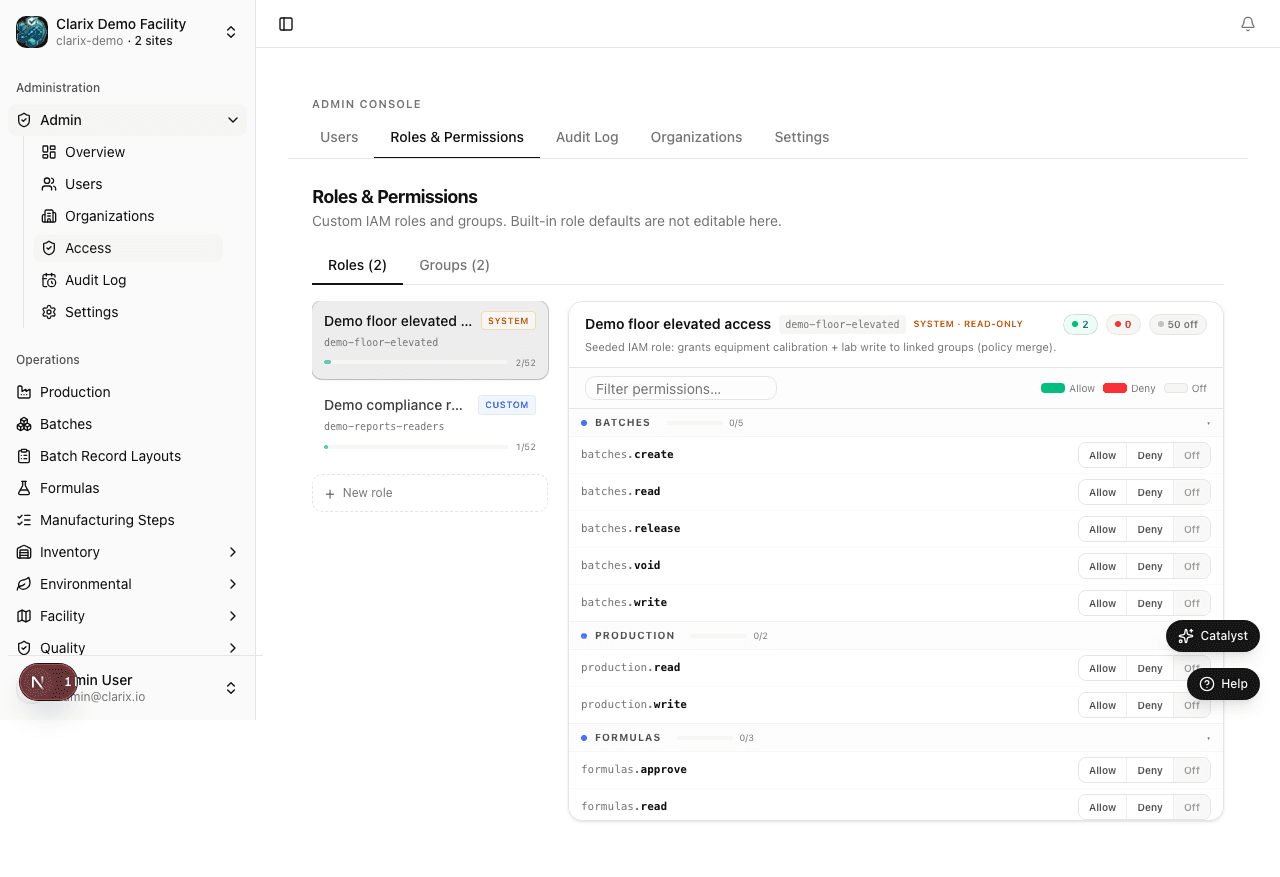
The Access page lets administrators define custom organization roles, map permissions, and assign users to role groups. This is where you enforce separation of duties beyond the default role hierarchy.
System events
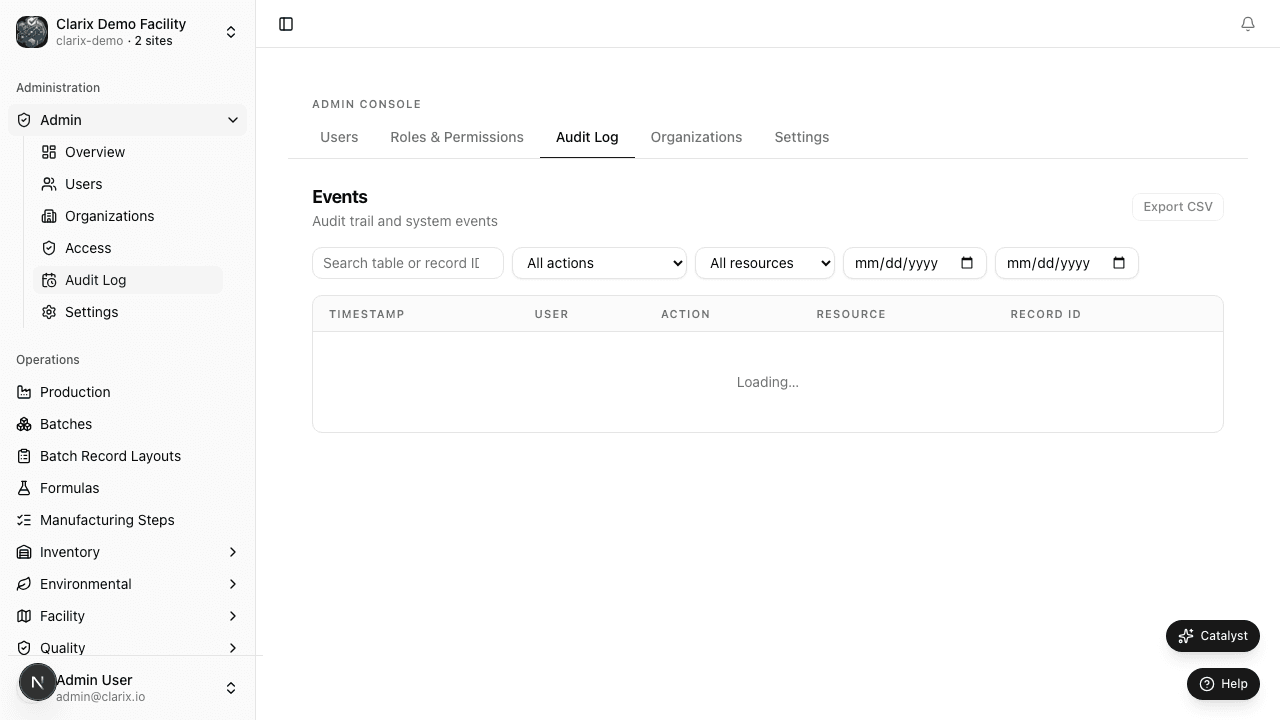
The Events page provides an administrator-focused view of the audit trail with action-type filters, date ranges, and summary statistics — useful for troubleshooting and periodic access reviews.
Admin settings
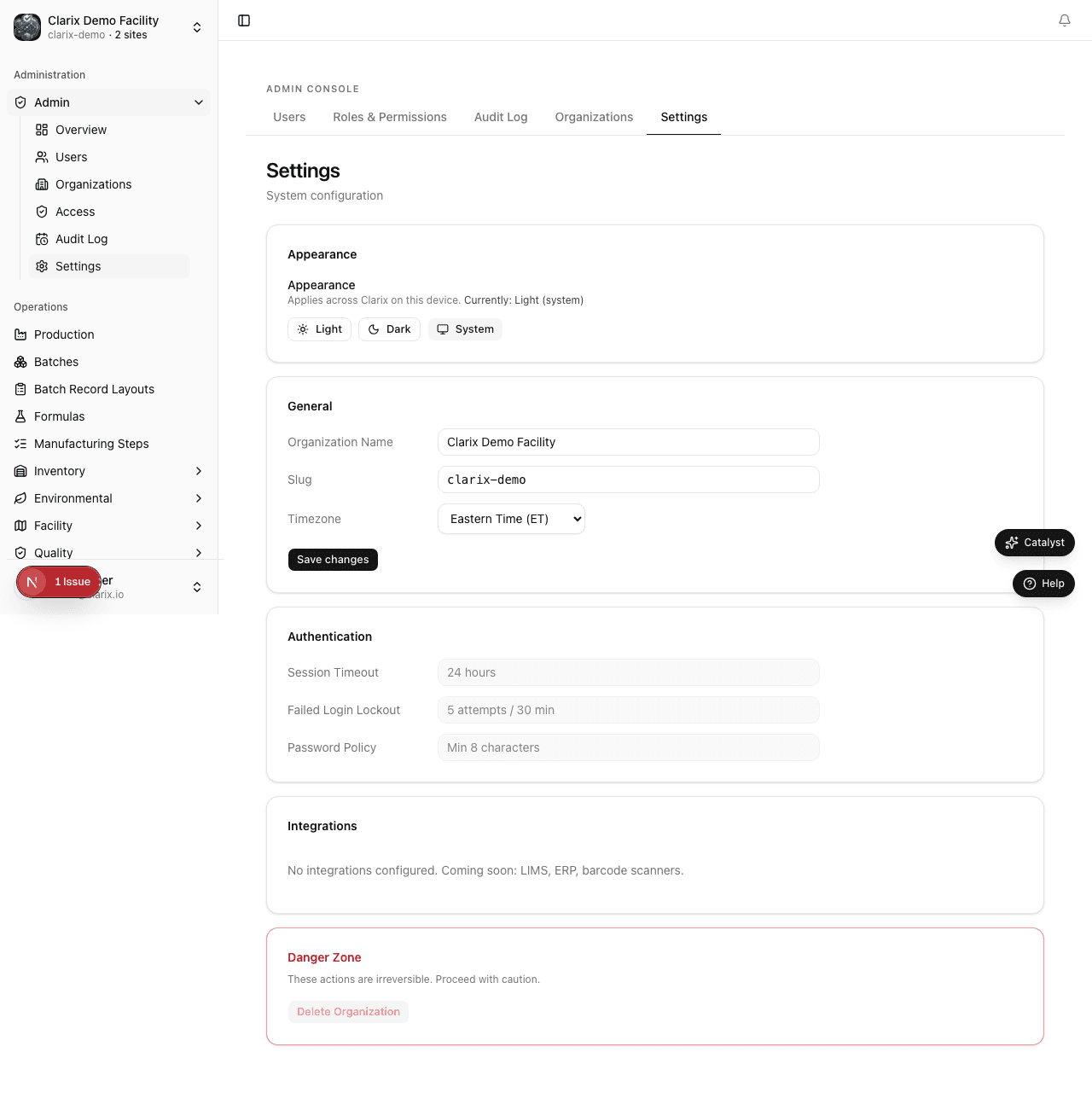
Admin → Settings (/admin/settings) holds organization-wide general settings: facility name, timezone, session policy, and appearance defaults. This is separate from the user-facing Settings hub at /settings.
Related pages
Notifications Overview
View and manage in-app notifications for batch events, quality alerts, environmental excursions, and system activity at /notifications.
Managing Users
Invite users, assign roles, edit accounts, ban departing employees, and manage the role hierarchy in Clarix for 503B compounding facility administration.